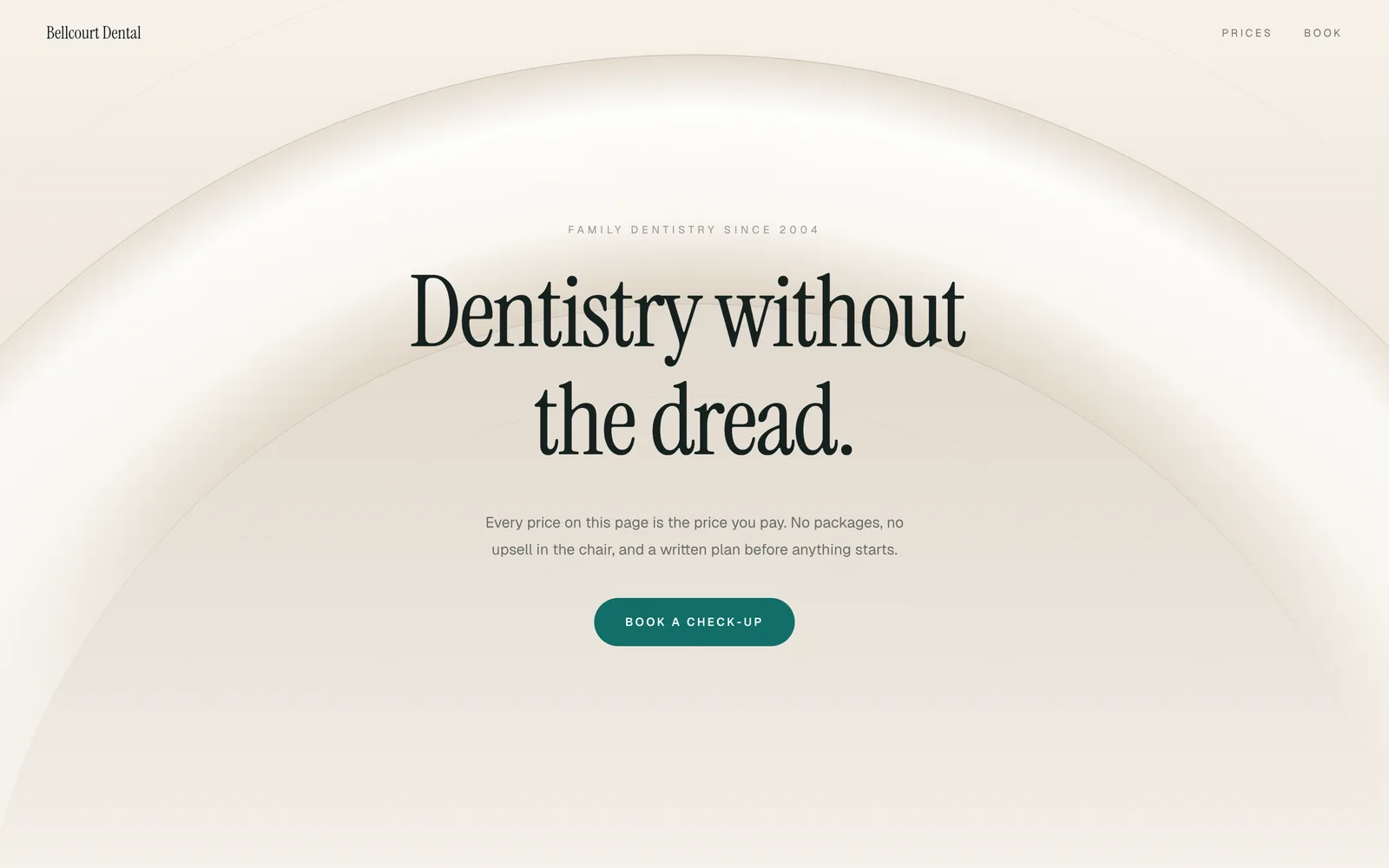
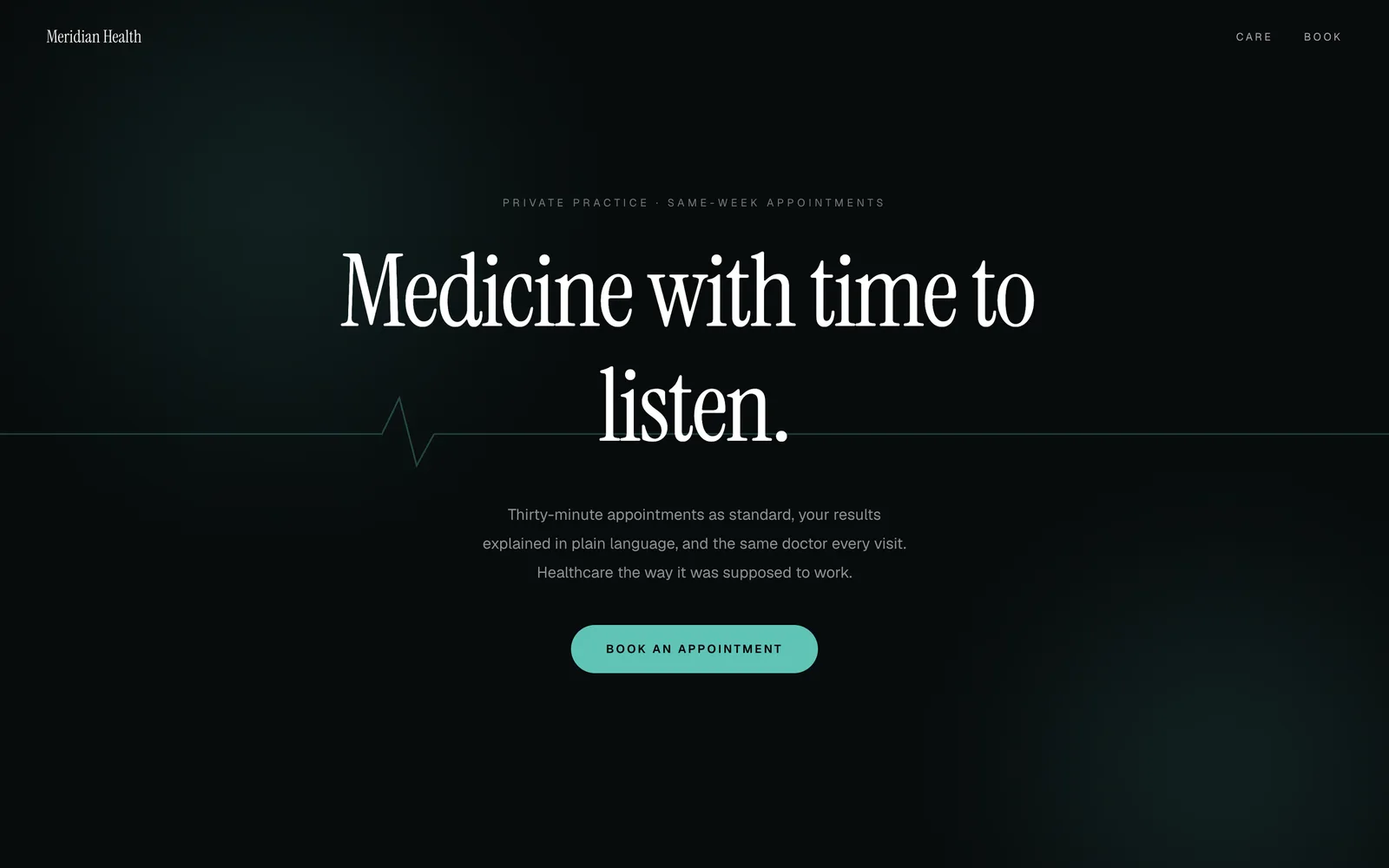
Squarespace handles the look of that well. It is image-led, tidy and hard to make ugly, which is why a lot of independent practices end up on it. The question is who writes and arranges all that content, and what the booking and the forms are doing behind the scenes.
What Squarespace gives a practice
A set of polished, image-forward templates, a straightforward editor, built-in forms, and an integration with Squarespace's own scheduling product so that a visitor can pick a time on the page. It handles domains, email and hosting as part of the plan.
Two things deserve care in a clinical setting. The scheduling product is a separate subscription, so appointment booking on the page is not part of the site plan. And a general-purpose contact form is not a patient intake system on any builder: what a patient may send you by form, and where it is stored, is a privacy question for your own regulator, and most practices send people to the form in their practice software for exactly that reason.
What the Squarespace route costs a practice
The site plan, plus a scheduling subscription if you want booking on the page, plus the domain once the first year is up. Squarespace's own scheduling does not read your practice management system, so the diary it keeps is a second diary somebody has to reconcile.
The larger cost is writing. A treatment list with a real price on each line, a page for nervous patients that does not read like a brochure, team biographies, and the regulator wording, all drafted and arranged by whoever has the time.
What Squarespace asks a practice to do
Choose a template, write the treatment pages and the fee list, photograph the surgery and the team, set up the form and decide where its messages go, and connect scheduling if you want it. Squarespace will not tell you what a dental site must contain; you bring that.
What is different here
The dental deck was built for a practice, so the sections are already the ones a patient looks for: treatments with prices, what a first visit involves, a section for nervous patients, the team, and opening hours. You replace our words with yours, add your regulator line as plain text where the page already expects it, and it is live.
Booking is a link out. The new-patient button goes to whichever booking page your practice software provides, or to your phone number. We do not hold your diary, which for a practice with a system already doing that is a feature, because there is only one diary.
From $9.99 a month, and the preview is free.
One is $9.99 a month and Site is $29.99. Your own domain starts on Site, and a contact form that reaches your inbox starts on Site. Two months free on annual: pay for ten months, get twelve. We cannot take payment yet, so nothing here is for sale today and no preview pauses while that is true. What each plan holds, on the pricing page or how a dental practice site is built here.